
For each email address you have in the Your Linked Gmail Accounts area of the dashboard, you will see a Remove option and a Disconnect & Delete My Data option.
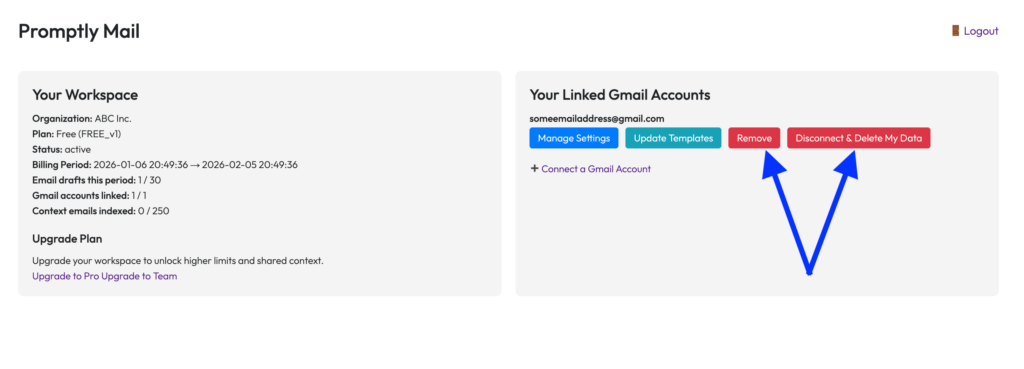
Here we’ll explain the difference between the two, which is:
Remove: Use this option if you want to stop Promptly Mail from auto drafting responses for this email address, but want it to keep the settings and indexed emails for the account. This is useful if you plan to re-add the email address at some point.
Disconnect & Delete My Data: Use this option to fully delete all info related to this email address/account. It will stop the auto drafting as well as delete all indexed data and delete all saved settings. No trace of that email address/account will remain in Promptly Mail. And, if you ever want to re-add that email account, you will need to reconfigure the settings and Promptly Mail will need to re-index all its past emails.